



02 · from the workshop
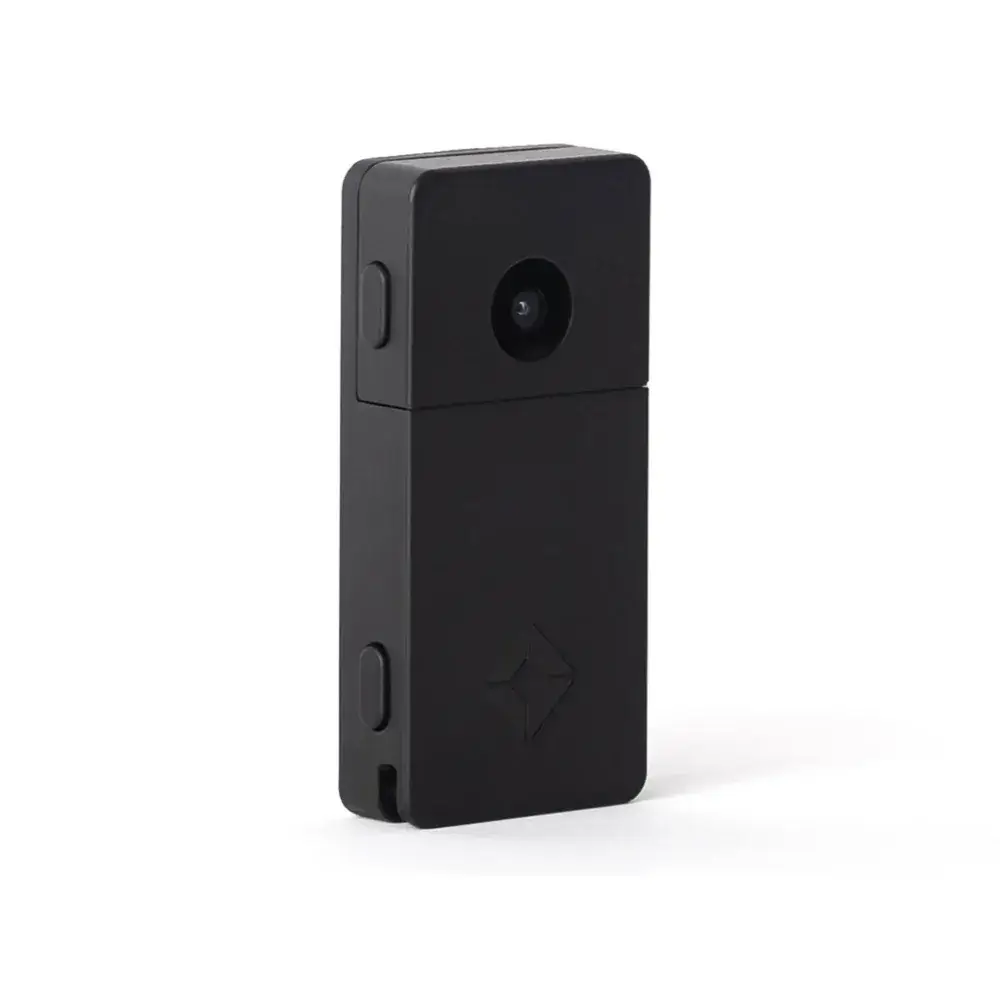
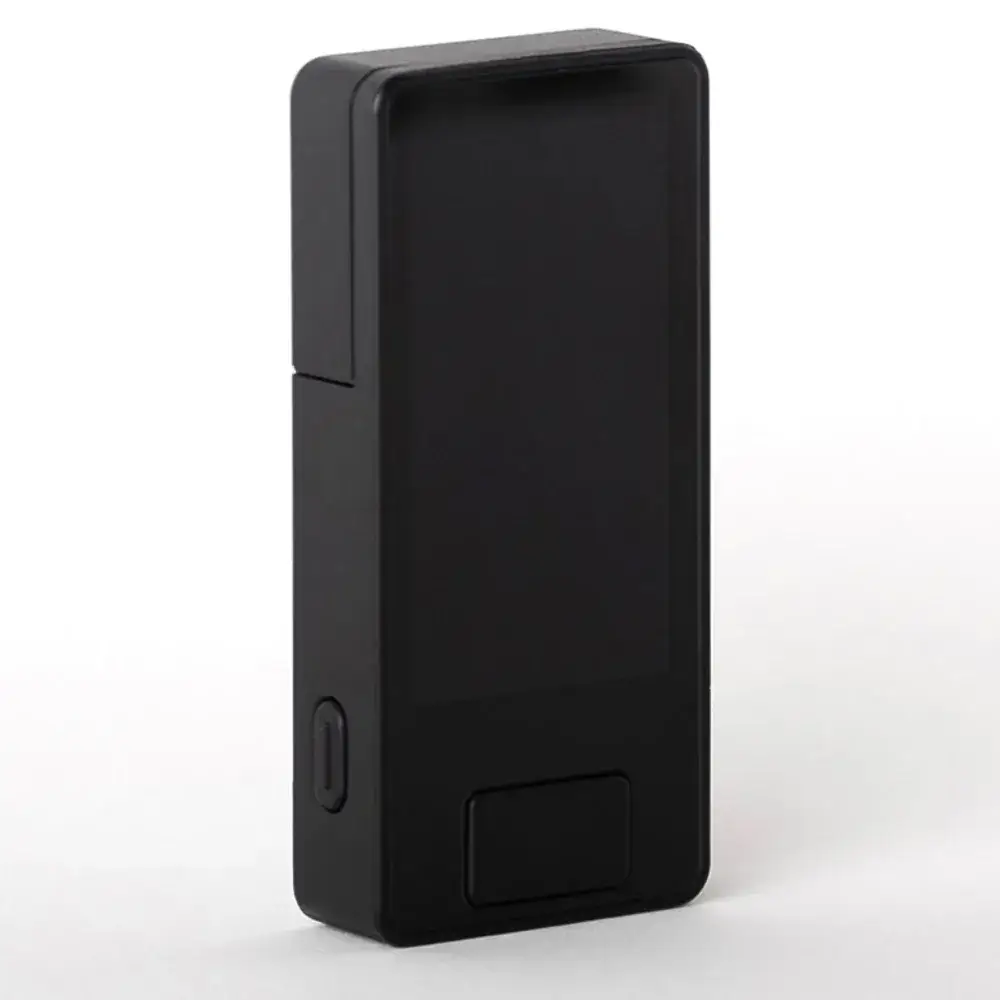
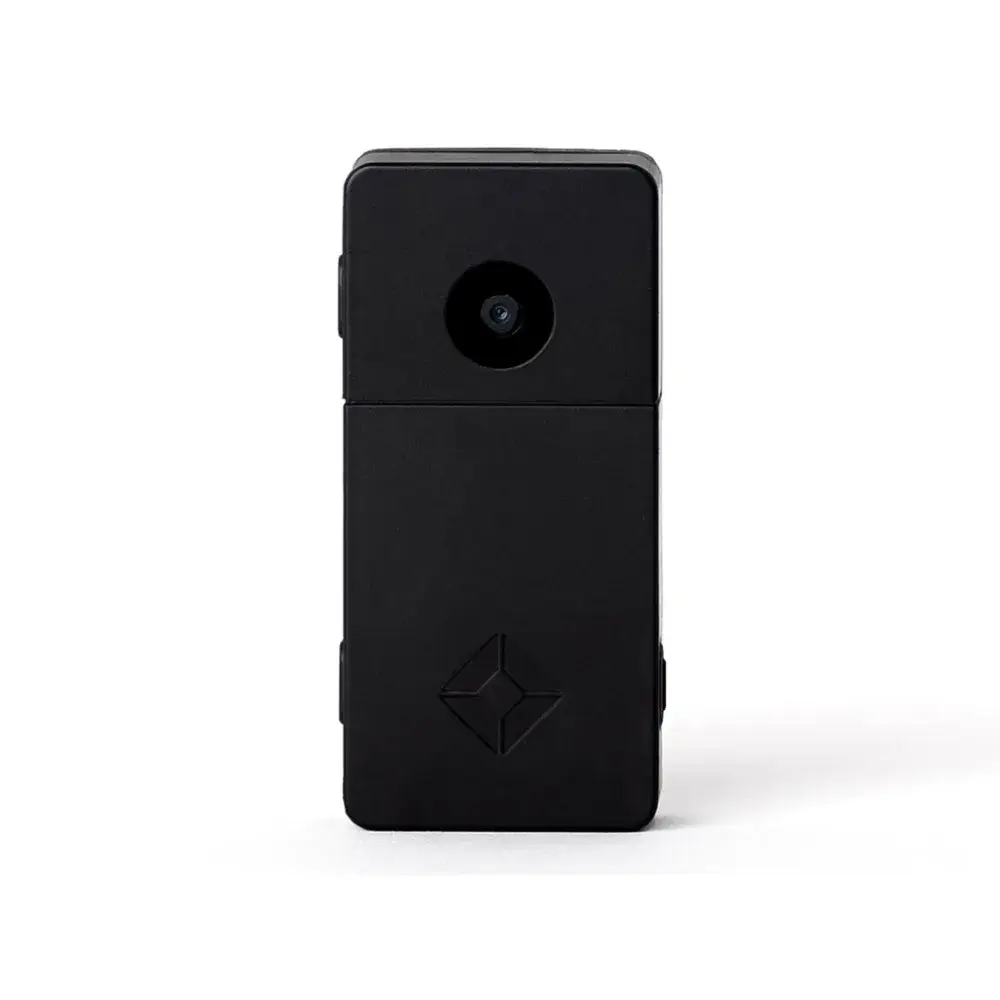
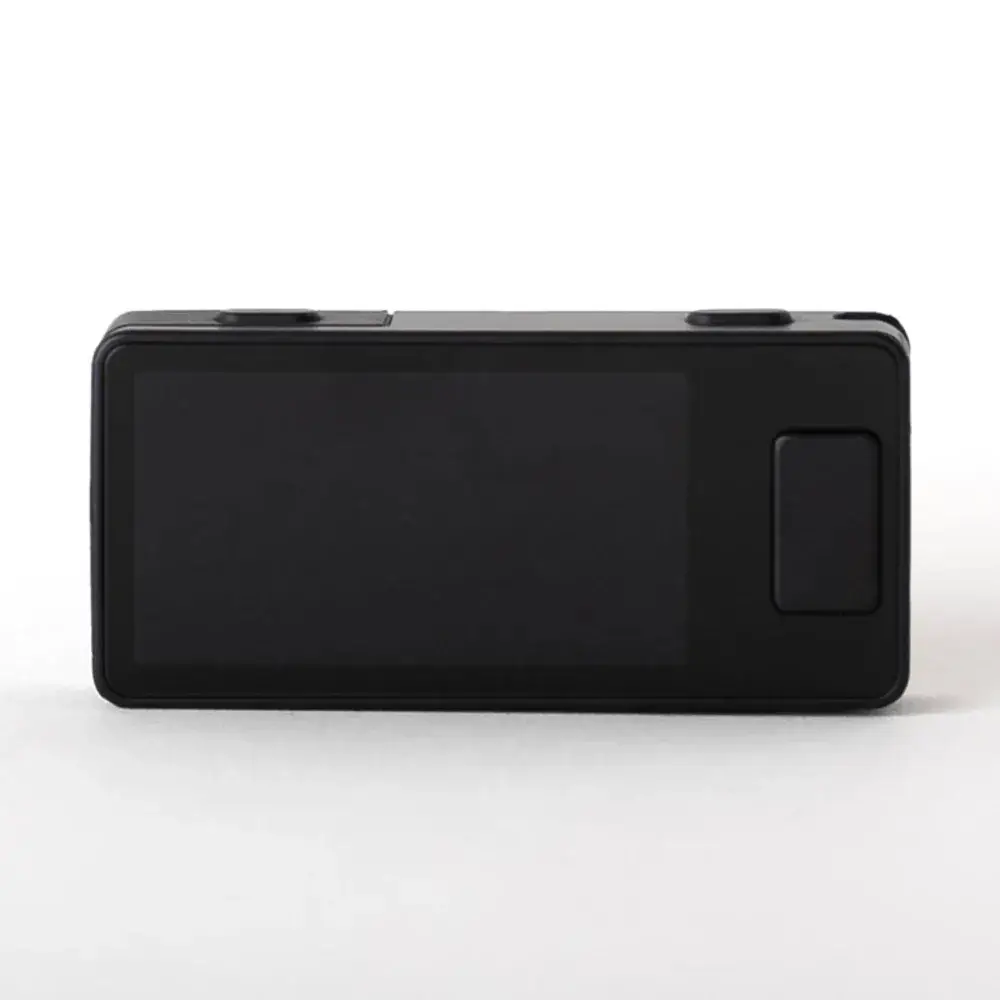
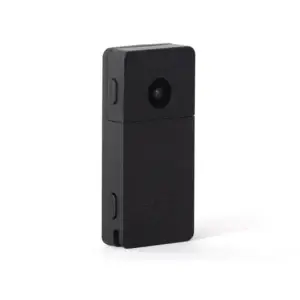
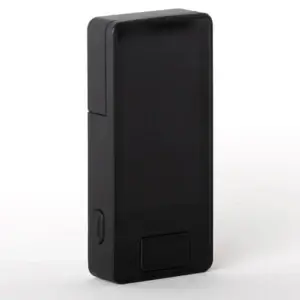
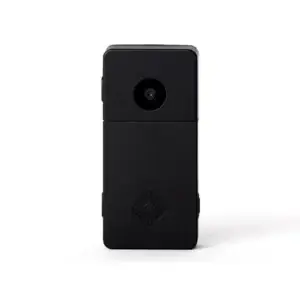
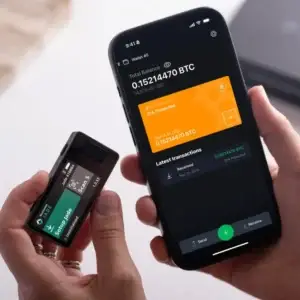
Are you looking for a hardware wallet whose code you can verify yourself? The Blockstream Jade Plus Black is completely open source, signs transactions via air-gapped QR codes, and fits in your pocket. This is the black version of the Jade Plus.
What air-gapped drawing means in practice
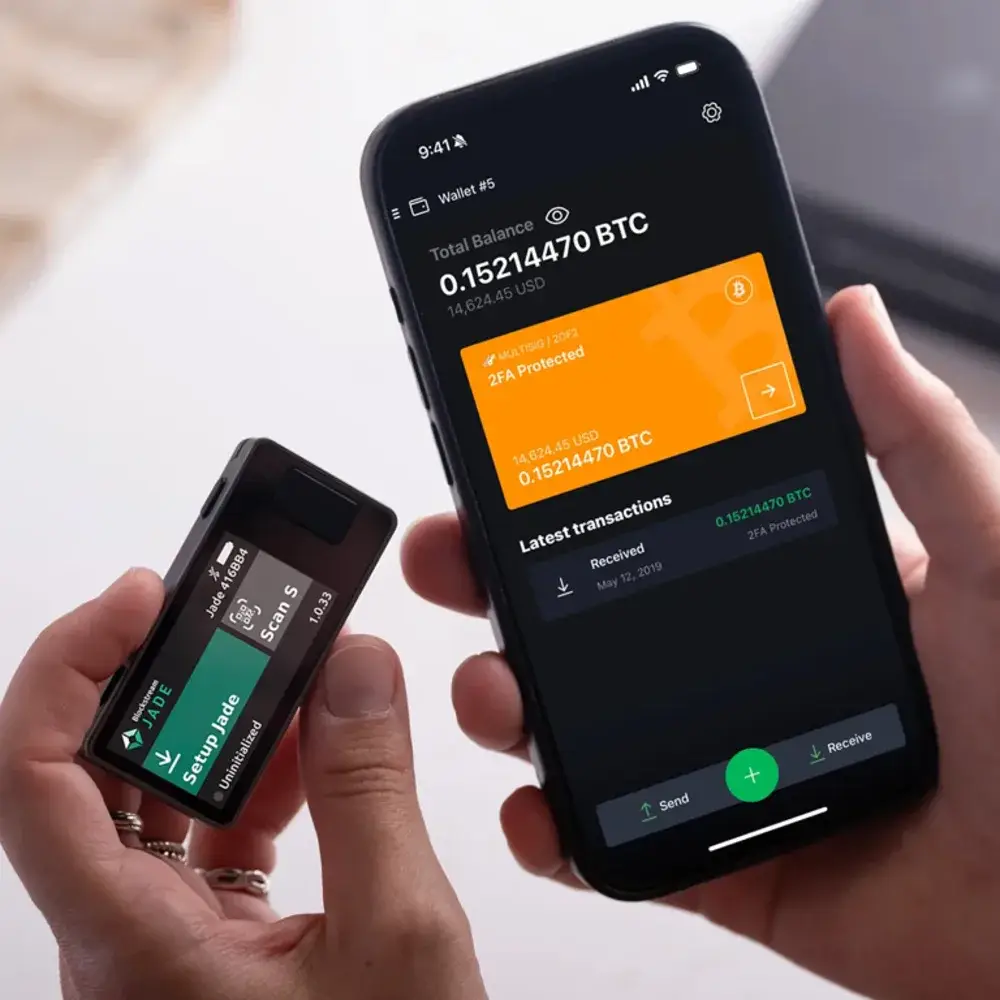
Your wallet app on your phone or laptop creates the transaction and displays it as a QR code. You scan it using the Jade Plus's camera. The device shows what you're signing, you confirm it, and the signed transaction reappears as a QR code on the screen. You scan that one back.
Your keys never leave the device, and the device never needs to be connected to your computer. If you still want a cable, you can simply use one: both USB-C and Bluetooth are included. You can also perform your firmware update air-gapped, via a microSD card or USB flash drive.
Setup is fast with SeedQR. Your recovery phrase is then stored as a QR code on paper or steel, and you scan that instead of typing out 12 words. We have written out the entire installation step by step in the Guide to Setting Up the Blockstream Jade Plus.
Who is this device for
For anyone buying their first hardware wallet who doesn't want to pay for a sealed box they have to take at face value. Everything about the Jade Plus is public: the firmware, the hardware, and the schematics. With Genuine Check, you can verify as you unpack it whether you really have genuine hardware.
Fair is fair: this is not a device with dual secure element chips like the more expensive models. What you are buying here is openness, a camera, and a low barrier to entry. If you are hesitating between brands, read the Comparison of hardware wallets or the Head-to-Head Comparison Between the Jade Plus and the Coldcard Q.
Don't forget your backup
A hardware wallet without a proper backup is only half a solution. Your recovery phrase written on paper won't survive a fire or water damage. Store it on a metal medium, and you'll be set for the rest of your life. Check out the steel seed backups or read first how to securely store your seed phrase.


Reviews
There are no reviews yet.