




02 · from the workshop
Lightning Piggy: The Bitcoin Piggy Bank for Kids
The Lightning Piggy It is the first electronic Bitcoin piggy bank for children that works via the Lightning Network: an educational device that teaches children to save in “sats” instead of euros. The Lightning Piggy is for parents who understand that financial education begins in early childhood and who want their children to grow up with Bitcoin as their frame of reference for money, rather than taking inflation for granted. Traditional piggy banks teach children that saving is good. That’s true. But they also teach them to save in a currency that loses 2 to 10 percent of its purchasing power every year. The Lightning Piggy teaches children to save in satoshis: the smallest unit of Bitcoin, the only monetary network with a hard-coded maximum supply. You can read more about Bitcoin as a savings tool at bitcoin.org.How does Lightning Piggy work?
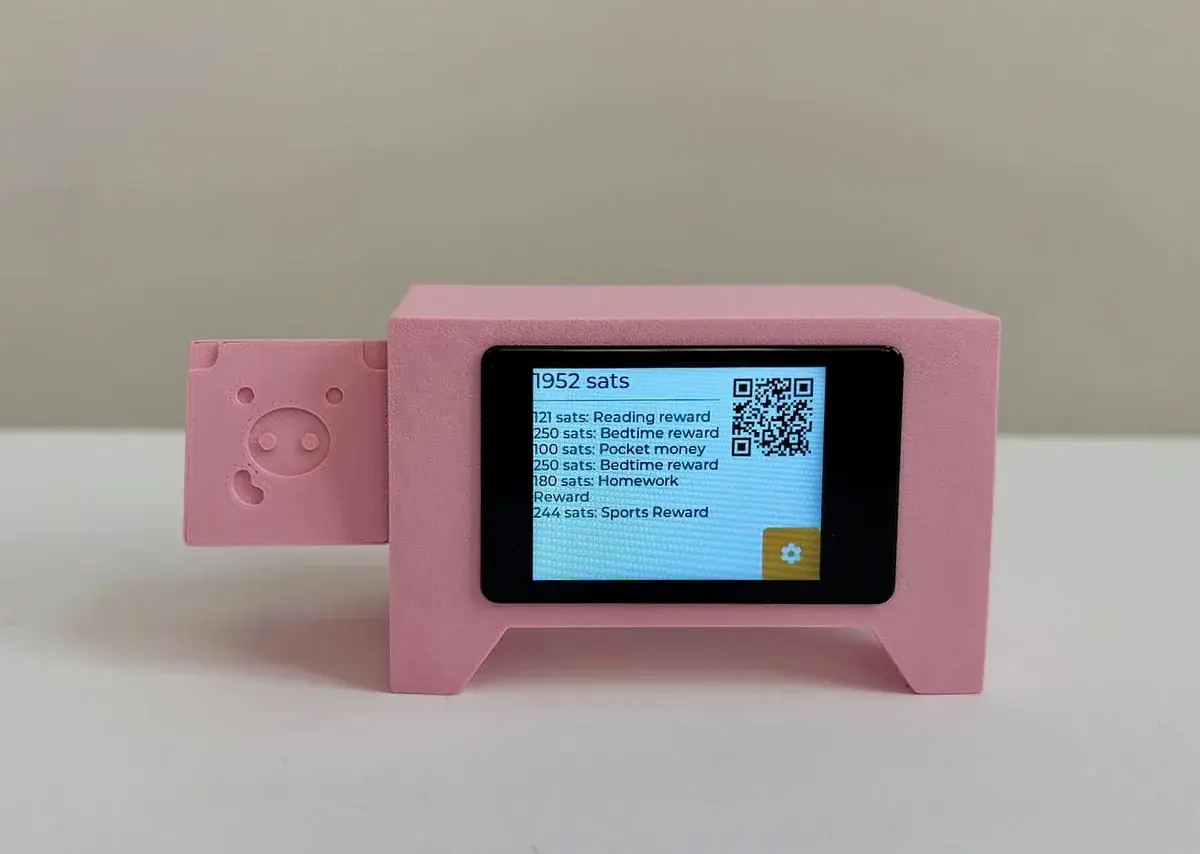
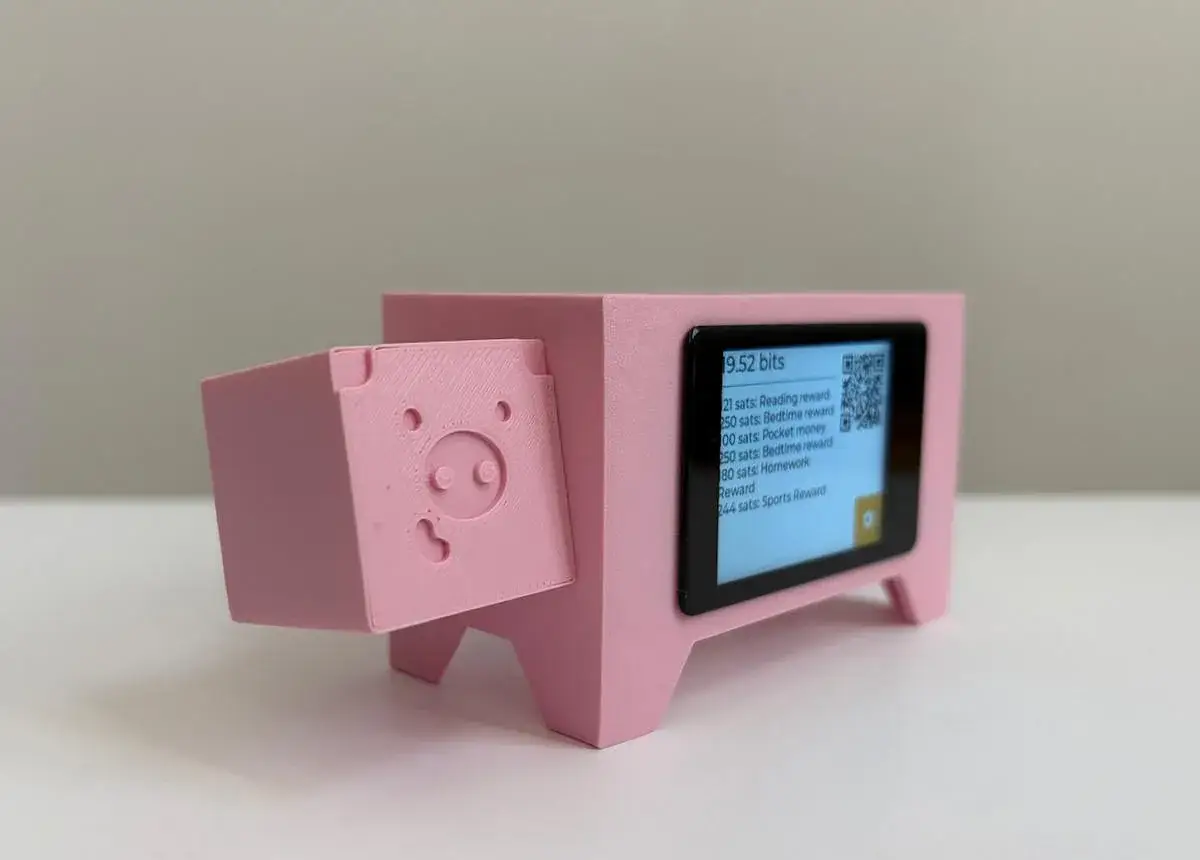
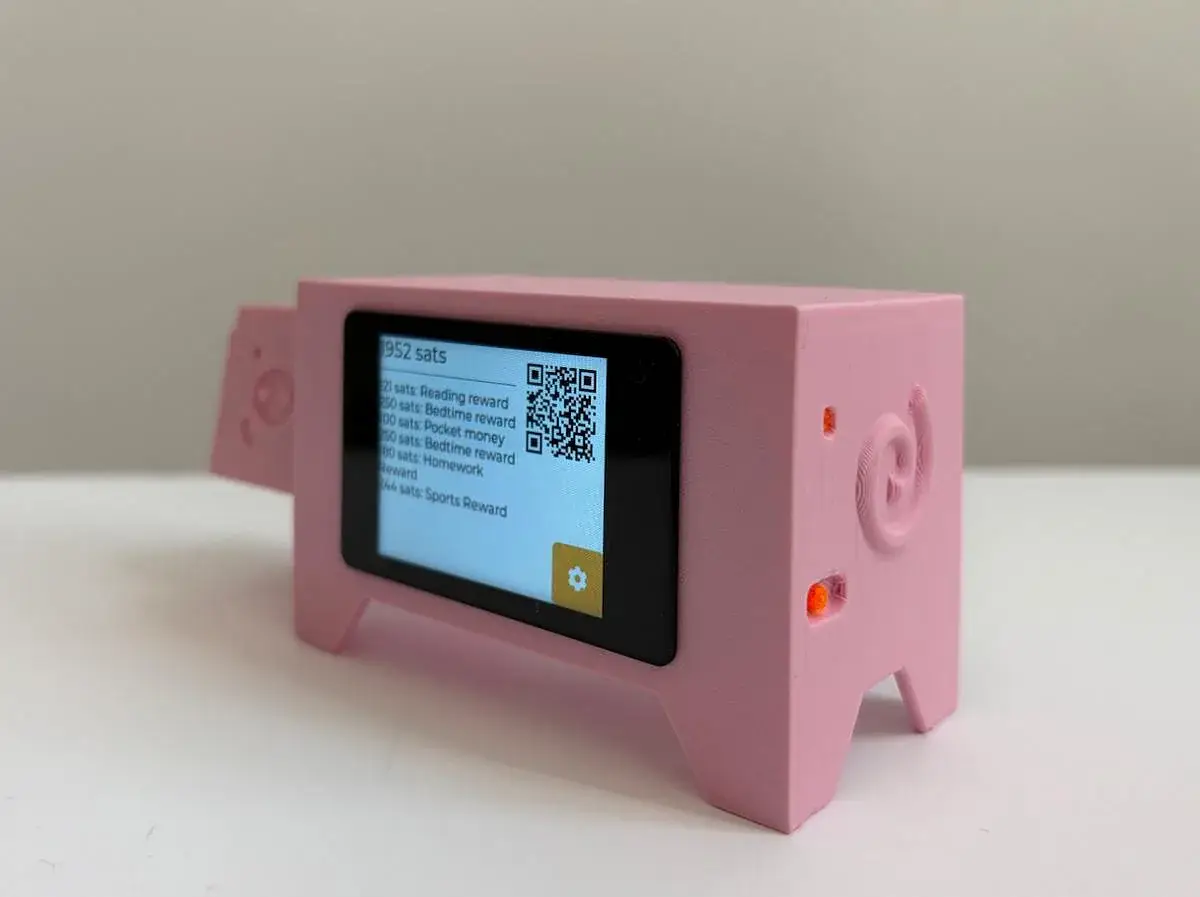
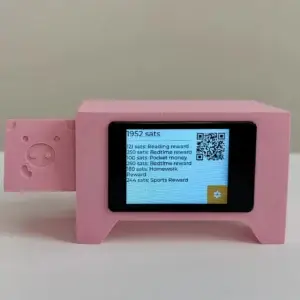
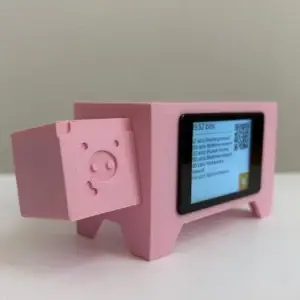
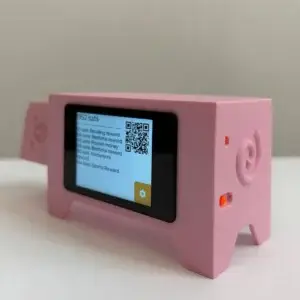
The Lightning Piggy is a small physical device with a color touchscreen that displays the sats balance, recent transactions, and a payment QR code in real time. Parents link it to a lightning wallet and send sats to the device via the Lightning Network: similar to giving an allowance, but in Bitcoin. The child watches the balance grow, understands the concept of saving, and intuitively learns what satoshis are. A tangible, playful way to introduce the next generation to sound money. Family members and friends who use Bitcoin can also send sats to the piggy’s lightning address: a modern alternative to a gift card or cash in an envelope.Financial education that is truly future-proof
Schools teach children how to do math in euros, but not what money is, where it comes from, or why it loses value. A child who grows up with a Lightning Piggy intuitively understands: saving is good, inflation erodes value, and Bitcoin is scarce. The Lightning Piggy is also a conversation starter for the family. When Mom or Dad puts “sats” in the piggy bank, the questions come naturally. Why Bitcoin? What are “sats”? Those conversations are the best financial education a parent can provide.Parent builds, child uses
The Lightning Piggy is an open-source DIY project. Parents assemble the device, flash the firmware, and set up the wallet. That’s exactly what makes it so appealing: you understand how it works and can customize everything yourself. After that, it belongs to your child. Assembly and setup are tasks for an adult; using it afterward is child’s play.In the box
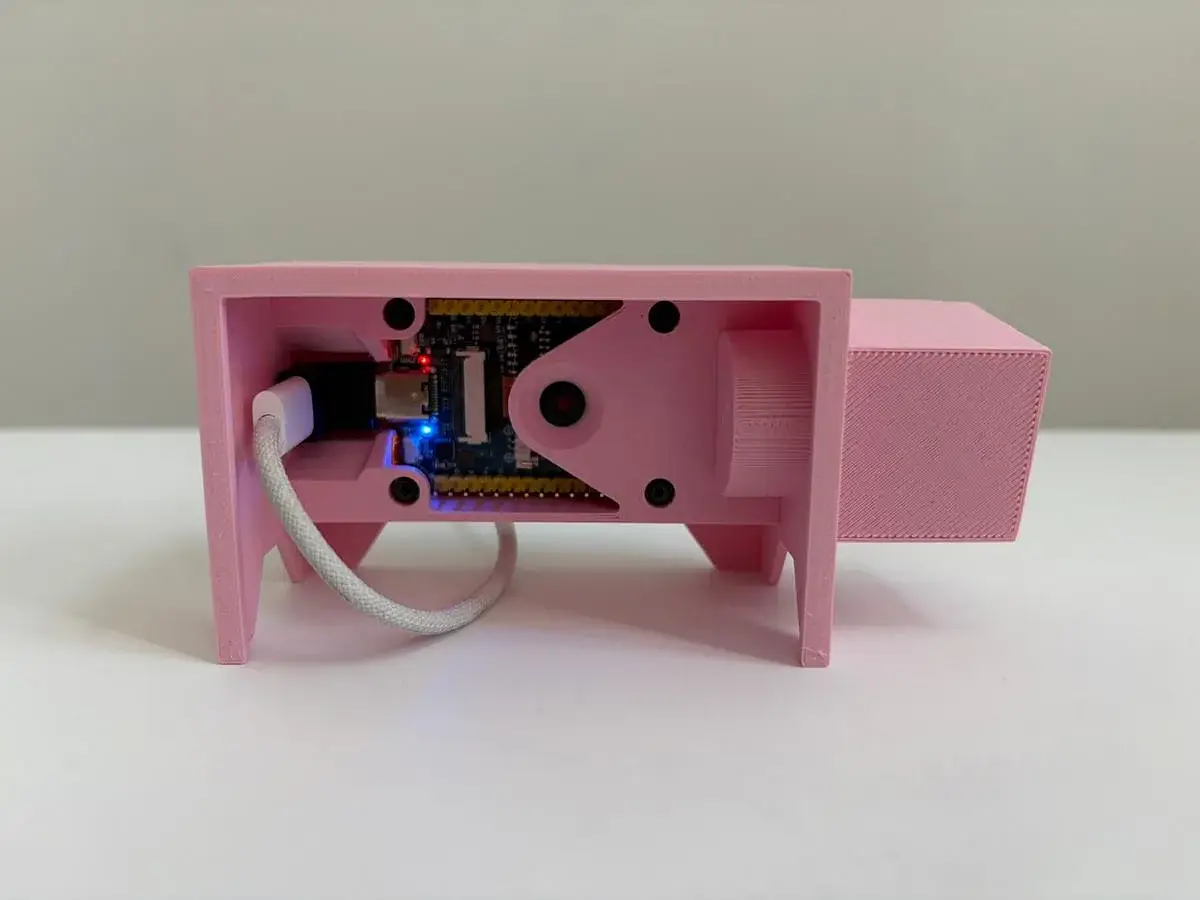
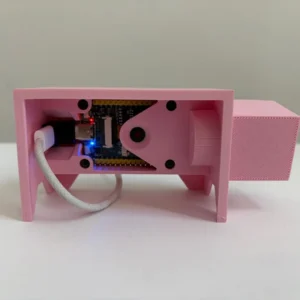
The Lightning Piggy p1 comes as a component kit. Here's what's included:
- WaveShare ESP32-S3-Touch: single-board computer with a 2-inch touchscreen and onboard camera
- USB-C data cable
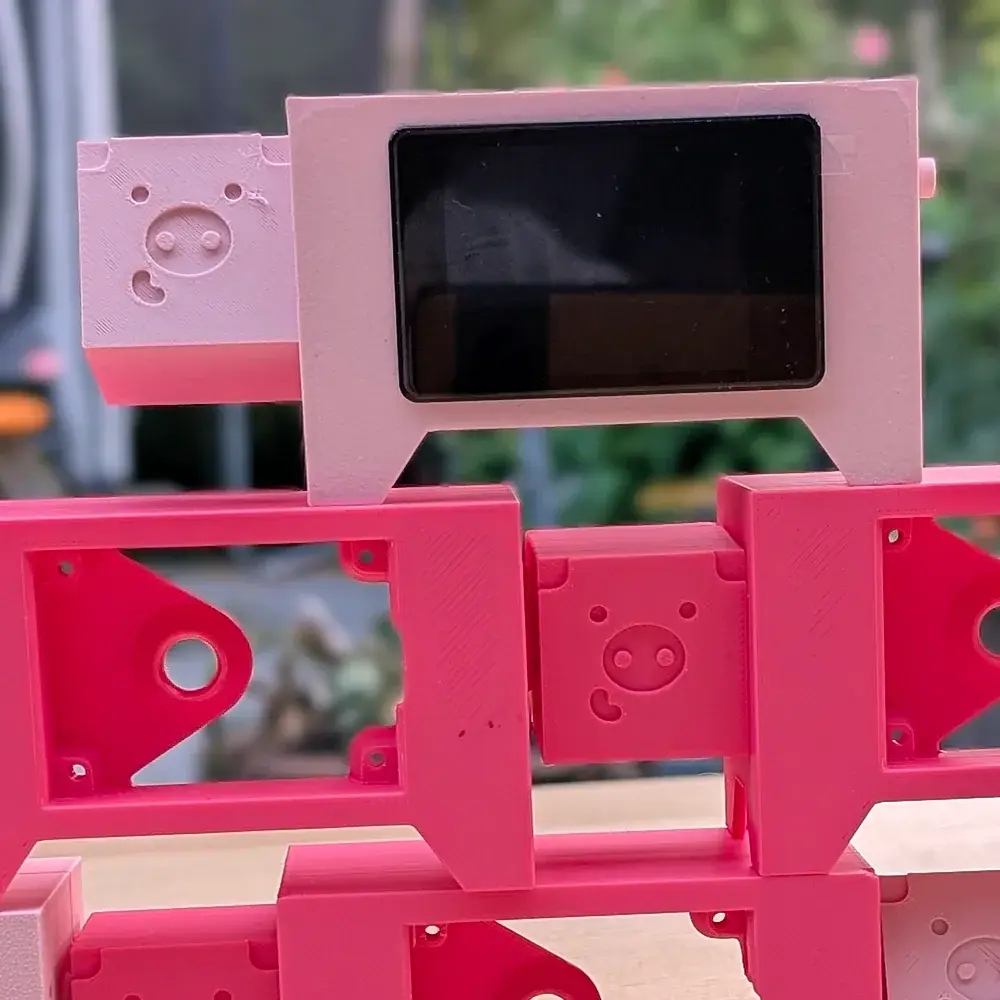
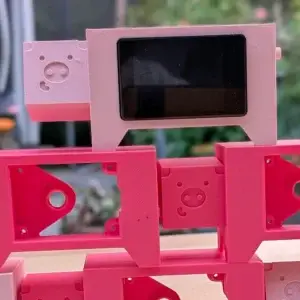
- Genesis Piggy 3D-printed case
Setup in brief (for the parent)
- Create a wallet. Choose an NWC wallet (such as Coinos or Alby Hub) and copy your lightning address and NWC link.
- Flash the firmware via install.micropythonos.com, with a browser that supports the Web Serial API (Chrome, Brave, Opera, or Edge).
- Connect. Connect the Piggy to a 2.4 GHz Wi-Fi network, install the Lightning Piggy app from the App Store, and scan your NWC link with the built-in camera.
- Build case. Case designs and print options are on lightningpiggy.com/build/cases. The complete guide: lightningpiggy.com/build/p1/.
NWC or LNbits: which connection is right for you?
The Lightning Piggy p1 gives you two ways to connect your Lightning wallet: via NWC or via LNbits.
NWC stands for Nostr Wallet Connect: an open protocol that securely links your Lightning wallet to apps without exposing your private keys. You copy an NWC link from your wallet and paste it into the piggy. No server needed, no technical setup, and it works with both custodial and non-custodial wallets. This is the easiest way to get started.
Supported NWC wallets: Alby Hub (self-custodial, open source), Cashu (free, open source, ecash), Coinos (free, custodial, recommended for beginners, with automatic payouts to cold storage), Primal (popular nostr client with a built-in wallet), and Zeus (self-custodial, open source).
LNbits is a multi-wallet and payment system for Lightning that you run on your own server or a hosted instance. More control, more customization, multiple accounts, and extensions. This is the option for anyone who already runs their own Lightning node or wants to work toward one.


Reviews
There are no reviews yet.