Guide | Hardware Wallets | 8 min read
Storing Bitcoin for Beginners: Here's How to Do It Safely
June 2026By Mario
What’s more nerve-wracking for a beginner: buying bitcoin, or realizing that buying it was only step 1? Many people think that the purchase is the big step. It’s not that big of a deal. The real step comes afterward. Where do you keep your bitcoin, and who ultimately has control over it?
That is what this is about. Not about trading, not about altcoins, not about difficult multisig setups that you don't need on day one. Just the basics. For beginners, following the Bitcoin rule means understanding what an exchange does, what a hardware wallet does, and why that difference matters once you have more than a test amount.
This overview helps everyone who Storing bitcoin for Beginners want to approach this safely. Whether you're just starting out or have been practicing bitcoin for a while: the principles for Storing bitcoin for Beginners are always the same.
I often see people get the order wrong. First, they buy, and then everything sits on an exchange for months “until later.” But “later” never comes. That’s a shame, because self-custody is precisely what sets bitcoin apart from the old system. Not your keys, not your coins. That’s not just a slogan. It’s a fact.
Why It's Risky to Leave bitcoin on an Exchange
An exchange is a convenient way to buy bitcoin. That’s it. For storage, it’s a stopover, not a final destination. You log in with an account, you see a balance, and it feels like your bitcoin is safe. But legally and technically, you don’t control the keys. The exchange does.
That risk is not theoretical. A platform can be hacked, temporarily halt withdrawals, demand extra verification, or in the worst case, go under. Rationally, a big name feels safe. Emotionally, it also brings peace of mind, because you don't have to arrange anything yourself. But true security here lies in taking responsibility, not in outsourcing it.
For beginners, this is the main rule: only leave a small working amount on an exchange if you have a reason to do so. Everything you actually want to keep, you send to a wallet of which you manage the keys. Otherwise, you are still dependent on an intermediary. And that was not the point.
What does self-custody actually mean?
Self-custody means that you manage the private keys yourself. That private key is the secret key that grants access to your bitcoin. Your bitcoin aren’t “in” your wallet. They’re on the blockchain. The wallet stores the keys that allow you to prove you have the right to access them.
That sounds technical, but for beginners the practical translation is simple. With an exchange you manage an account. With self custody you manage keys. That single difference changes everything. You have more responsibility, but also more control.
There is a second concept that goes with this: the seed phrase. That is usually a sequence of 12 or 24 words that serves as a recovery backup for your wallet. Whoever has those words can in many cases recover your wallet. Therefore, the rule is: never store it digitally, never email it to yourself, never put it in a cloud folder. Paper or steel, write it down calmly, done.
For an independent overview of wallet security principles, see the wallet security page on bitcoin.org.
Software Wallet vs. hardware wallet
A software wallet is installed on your phone or computer. Think of it as an app that lets you receive and send bitcoin. For small amounts, this is often perfectly fine. It’s fast, easy to use, and helps you learn the basics. But your device is also more frequently connected to the internet, updates, apps, and all the clutter that comes with them. That increases your attack surface.
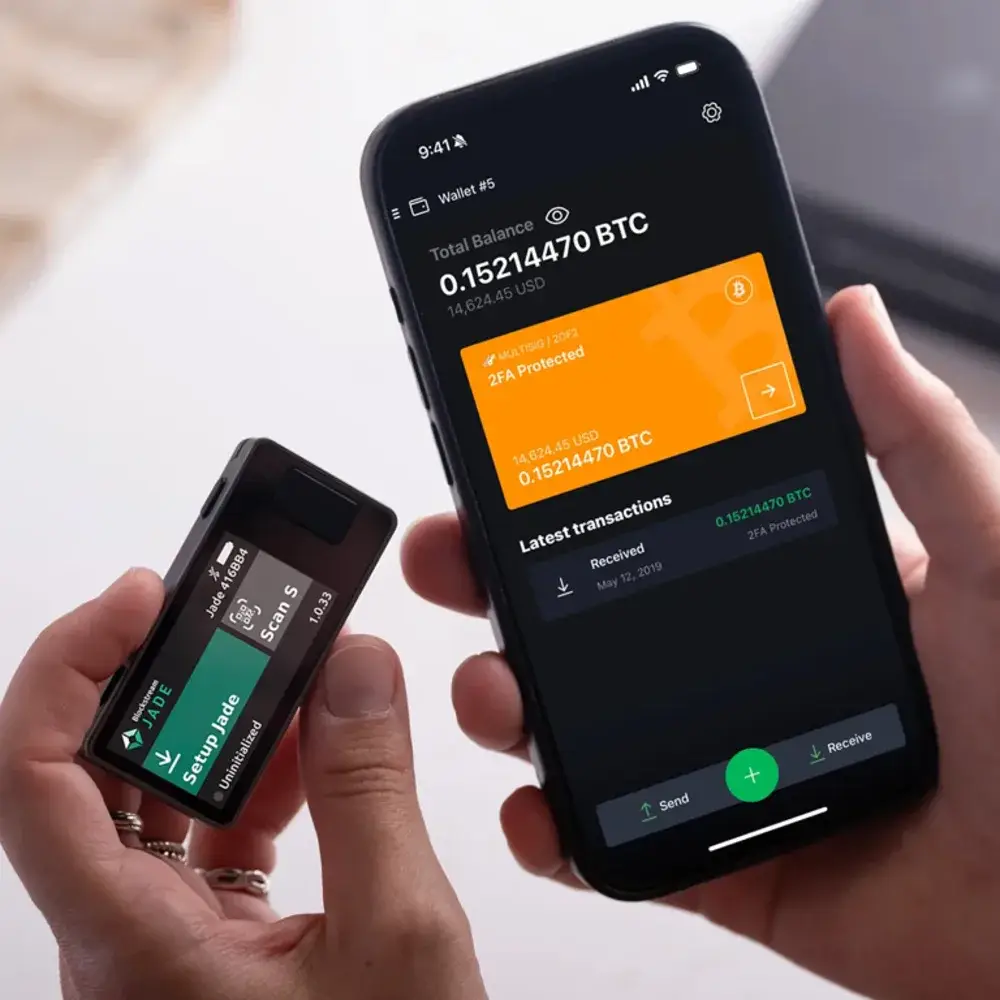
A hardware wallet is a separate device that keeps your private keys offline. You confirm transactions right on that device. This makes it much harder for malware on your laptop or phone to access your keys. It’s not magically secure, but it’s a big step in the right direction.
For beginners, the choice is usually like this:
- small learning amount: software wallet can be just fine
- More savings: hardware wallet is the logical next step
- Long-term storage: hardware wallet plus a reliable backup is the foundation
Who is seriously engaged in Storing bitcoin for Beginners, eventually decides to go with a hardware wallet. That choice isn't difficult; it's more a matter of taking the first step.
The mistake is often not in choosing a wallet. The mistake is thinking that an app account is the same as ownership. It is not.
| Exchange | Software wallet | Hardware wallet | |
|---|---|---|---|
| Key ownership | Platform | You | You |
| Online risk | High | Average | Low |
| Recovery upon loss | Via platform | Via seed phrase | Via seed phrase |
| Suitable for | Buy | Small amounts | Save |
How does a hardware wallet work in plain language?
A hardware wallet generates and stores your keys on a separate device. If you want to send a bitcoin, you create the transaction in the software. Then, you verify and confirm it on the hardware wallet device itself. This last step is particularly important, because it allows you to verify the recipient’s address and the amount without relying on your computer.
In fact, this is the part that often puts beginners at ease right away. You don’t have to understand everything by heart to grasp the process. Use a laptop or phone for the interface, and hardware wallet for key management. The key remains secure. The computer is the messenger, not the vault.
That doesn’t mean you don’t have to be careful anymore. A hardware wallet won’t save you if you’re careless with your seed phrase, blindly confirm the wrong address, or store your backup digitally. Self-custody isn’t a product that solves everything. It’s a system that works better if you take the basics seriously.
Which route is suitable for a beginner?
The best beginner route is not the most extreme setup. You don't need to be air-gapped, multisig, or have three geographical locations right away. That might come later. First, you want a setup that you understand and therefore actually use. For Storing bitcoin for Beginners the rule is: start simple, then expand.
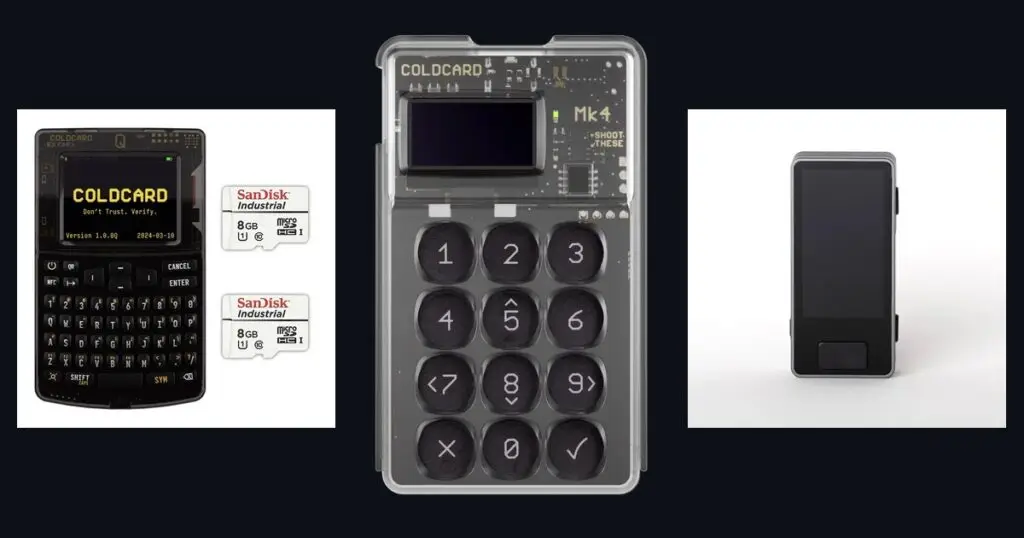
My advice for a beginner is straightforward: buy bitcoin on a reliable exchange, choose a hardware wallet that suits your level, and go through the setup process carefully. Send a test amount first. Only transfer larger amounts afterward. If you want to familiarize yourself with the models and differences first, you can start with the hardware wallet Overview. Anyone who wants to see how a setup feels in practice can then Coldcard MK4 Setup Guide read.
Why exactly this order works? Because you learn the principle first, then the tool. Most beginners don't have an information problem. They have an order problem.
Need Hardware wallet?
Browse the assortmentStep by Step: How to Store bitcoin for Beginners, From an Exchange to Your Own Wallet
Start calmly. No rush, no distractions, no large amounts. Open your hardware wallet, go through the initial setup, and create your backup. Then check your wallet’s software to see which receiving address is displayed. Also verify that address on the device’s screen itself. That’s your first real security check.
Next, send a small test amount from the exchange. Think of an amount that you can use without stress to learn. Wait for confirmation, check if it arrives properly, and if necessary, also try a small outgoing test back. Only when that is correct, do you proceed. This might feel slow. That is actually a good thing.
After that, you can send a larger amount. Not in twenty separate panic steps, but consciously. Check every address, keep your backup separate, and do not take screenshots of sensitive data. If you go through this process calmly once, a large part of the beginner's stress disappears.
This step-by-step plan is the core of Storing bitcoin for Beginners. Anyone who follows these 7 steps has the basics of Storing bitcoin for Beginners firmly in hand.
Bitcoin-only product line • no crypto-related noise • Personalized support • Ships quickly
Common mistakes made by beginners
At Storing bitcoin for Beginners are the errors predictable, but also easy to avoid if you know what to look for.
Leave everything on the exchange
That feels like the easiest option, but it overlooks the most important advantage of bitcoin: self-management.
Store seed phrase digitally
Don't do it. No notes app, no mail, no cloud, no photos. Convenience here is often just extra risk.
Move large amounts immediately
First, do a test. You do not buy time by rushing. Above all, you buy mistakes.
Choosing an overly complex setup
You don't need to prove how technical you are. A simple setup you understand is safer than an advanced setup you half-understand.
Below are the frequently asked questions about Storing bitcoin for Beginners. These questions come from practice: what do you want to know when you are working on it for the first time Storing bitcoin for Beginners?
Frequently asked questions
Is it safe enough for beginners to store bitcoin on an exchange?
For a small, temporary purchase amount it can be practical. For actually keeping it, no. You do not manage the keys yourself and remain dependent on a third party.
Do I need a hardware wallet right away?
Not for a very small learning amount. But as soon as you realize you want to stick with bitcoin instead of just trying it out, then a hardware wallet is the logical next step.
What is the difference between a seed phrase and a password?
A password grants access to an account. A seed phrase usually restores the wallet itself. That makes those words much more sensitive and important.
How much bitcoin should I transfer first?
Start with a small test amount. Only when receiving and potentially returning goes well, you move more.
What if I lose my hardware wallet?
Then your hardware wallet is replaceable, provided you still have your seed phrase. Without a proper backup, a loss suddenly becomes a serious problem. Therefore, the backup is not an afterthought. It is the foundation.
Which guide can I read next?
For model orientation, it is hardware wallet Overview most convenient. For a concrete setup feel, the Coldcard MK4 Setup Guide a strong next step.
Are you looking for a hardware wallet? Check out the full selection.
View hardware wallets