Guide | Hardware Wallets | 10 min read
Where to Buy Hardware wallet in the Netherlands: The 3 Best Options in 2026
June 2026By Mario
In short: Buying a hardware wallet in the Netherlands: At BitcoinStuffStore, you can choose between the Blockstream Jade Plus (219 euros, open source, air-gapped), the Trezor Safe 7 (249 euros, touchscreen, two secure elements), and the Foundation Passport Prime (359 euros, wallet plus FIDO keys and vault). Shipped from the Netherlands; pay with bitcoin, iDEAL, or credit card. Order a steel backup case with it.
Table of contents
Which hardware wallet should you buy in the Netherlands in 2026?
If you want to buy a hardware wallet in the Netherlands, BitcoinStuffStore offers three options that are available for immediate delivery: the Blockstream Jade Plus (219 euros) for those just starting out or who prioritize open source above all else, the Trezor Safe 7 (249 euros) for those who want a large touchscreen and multiple security chips, and the Foundation Passport Prime (359 euros) for those who want a wallet, security keys, and an encrypted vault all in one device. All three operate in an air-gapped mode via QR codes, and all three can only be used with bitcoin.
Quick answer for those who don’t want to read: if you’re unsure, go with the Jade Plus. If you want something you can carry with you every day, go with the Safe 7. If you want to secure your entire digital life in one device, go with the Passport Prime. Whatever you choose, be sure to order a sample backup with it. Below, we explain why the question “Where can I buy a hardware wallet in the Netherlands?” comes up so often, how much a hardware wallet costs, how to place an order, and what to do first after your purchase.
What exactly is a hardware wallet?
A hardware wallet is a small device that stores the private keys for your bitcoin, separate from your computer and the internet. The key is generated on the device itself and never leaves it. When you want to send a bitcoin, your computer or phone initiates the transaction, the device verifies and signs it, and the signed transaction is sent back. Even if your computer is infected, no one can access your key.
People usually search for “buy hardware wallet in the Netherlands” when they want to transfer their bitcoin from an exchange to their own control. That’s the right instinct. An exchange manages your keys, not you. If that exchange goes bankrupt, gets hacked, or freezes your account, you’ll be dependent on others to access your bitcoin. With a hardware wallet, you won’t be.
Buying Hardware wallet in the Netherlands: Why Choose a Dutch Store?
Because then you can be sure of what you’re getting. You should never buy a hardware wallet secondhand or through an online marketplace, because you don’t know who’s handled the device before you. At BitcoinStuffStore, every device comes directly from the manufacturer or its distributor, is shipped from the Netherlands, and you can pay with bitcoin, iDEAL, or a credit card. No customs fees, no waiting for a package from the United States or the Czech Republic.
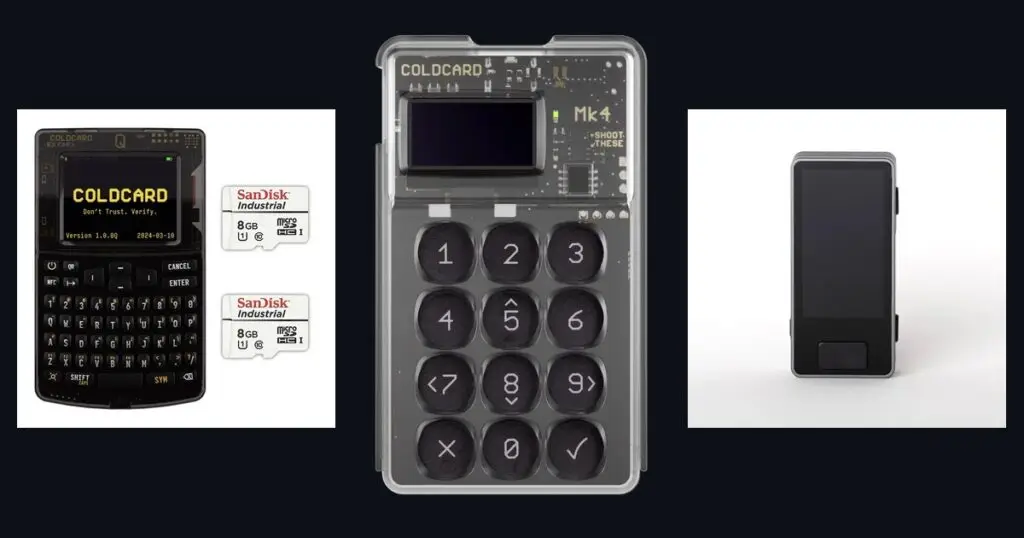
We are a bitcoin-only shop. We do not sell multi-coin wallets or crypto gadgets. I carry the three devices below because I have tested them and trust them. We no longer sell Coldcard and BitBox02; our guides on them remain online for anyone who already has one.
Blockstream Jade Plus: The hardware wallet for Most People
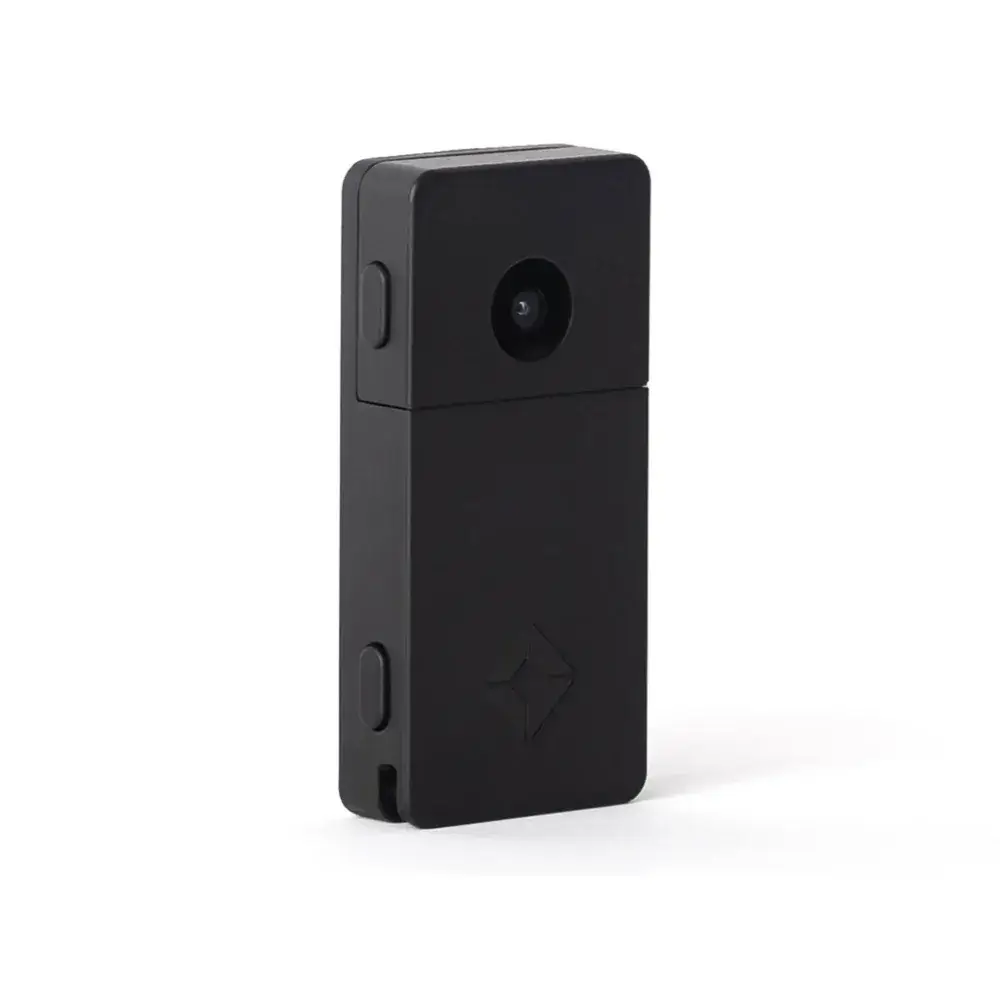
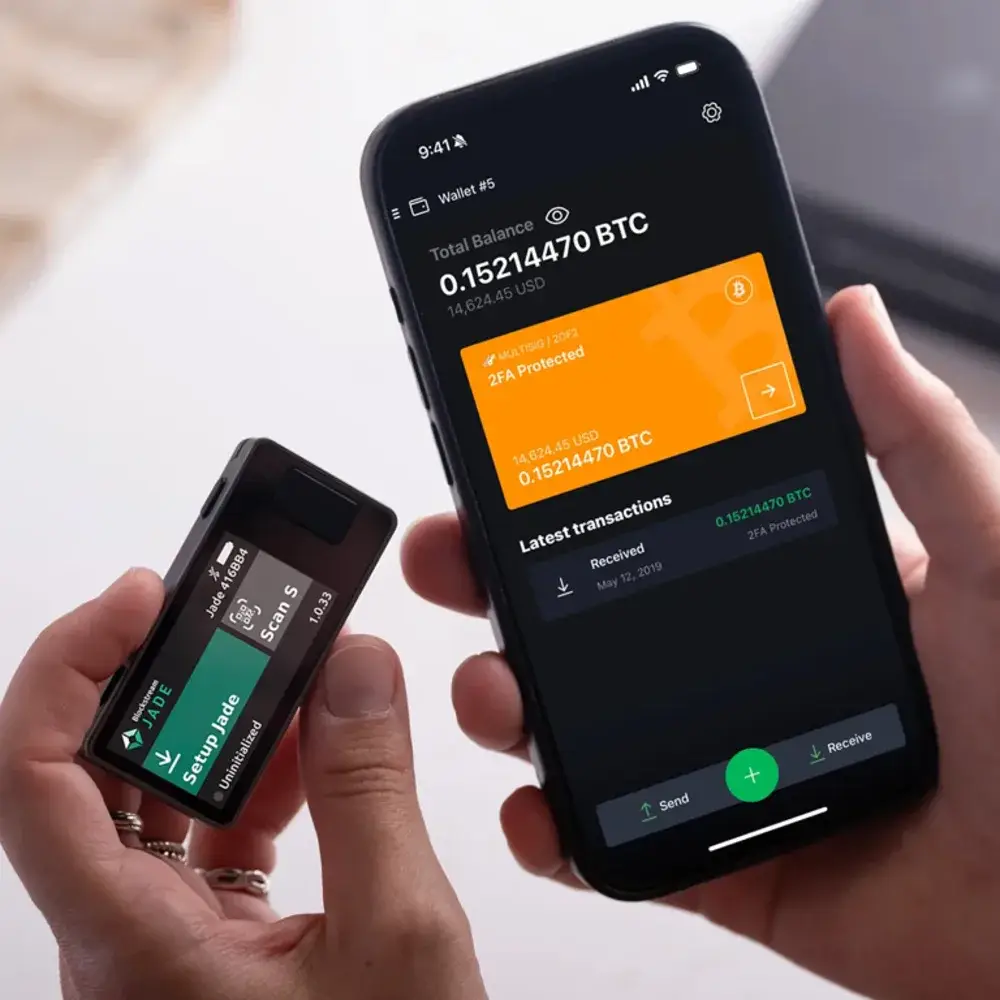
The Jade Plus is the hardware wallet model we sell most often, because it has the lowest barrier to entry without compromising on the core features: fully open source (firmware and hardware on GitHub), air-gapped signing via the built-in camera and a setup that takes just a few minutes with SeedQR. The device weighs 30 grams, has a 1.9-inch color screen, USB-C, Bluetooth, and a microSD slot for air-gapped firmware updates.
What you need to know: The Jade Plus does not have a secure element. Blockstream protects the key with a blind oracle, an encrypted server that requires your PIN to release the key and locks you out after too many failed attempts. For most people, that’s more than enough. If you want a device with certified chips, check out the Trezor Safe 7. The Jade Plus is available in black and gray; the hardware and firmware are identical.
Suitable for: your first hardware wallet, a second device for multisig, anyone who values open source over a large screen.
Trezor Safe 7: touchscreen and three security chips
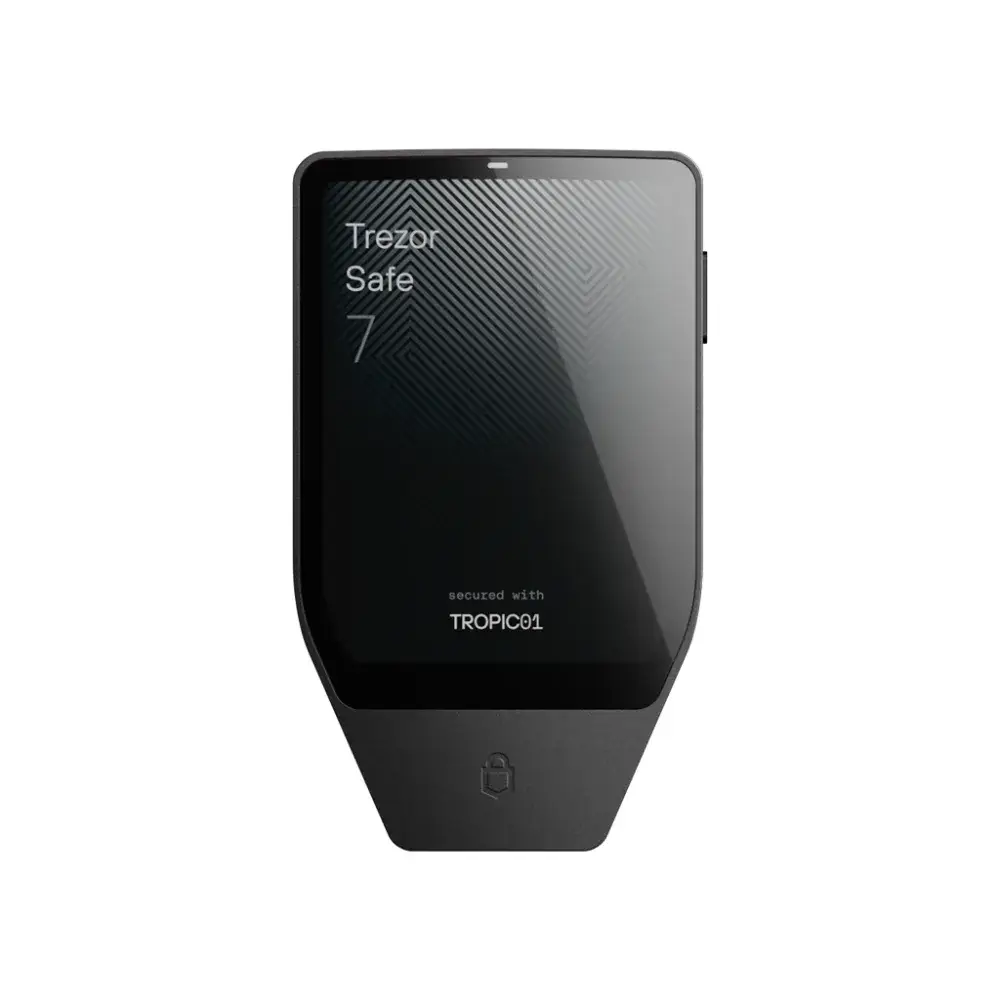
The Safe 7 is the latest Trezor and the most secure yet: two secure elements (the auditable TROPIC01 and the EAL6+ certified Optiga Trust M) plus a hardened processor, all from three different suppliers. The 2.5-inch touchscreen displays a bitcoin address in its entirety at a glance; the casing is an aluminum unibody (IP54); and the battery charges wirelessly via Qi2. Bluetooth uses an open-source protocol; if you don’t want a wireless connection, you can use the USB-C cable.
As a bitcoin-only store, there’s one thing we want to make clear right away: the Safe 7 comes with universal firmware. In Trezor Suite, you can switch it during installation, or later via Settings, Device, Firmware, to bitcoin-only firmware. After that, the device only performs bitcoin.
Suitable for: anyone who wants a large screen, anyone who wants their key behind multiple chips, anyone who takes the device with them daily instead of putting it in a drawer.
Foundation Passport Prime: wallet, keys and safe in one device
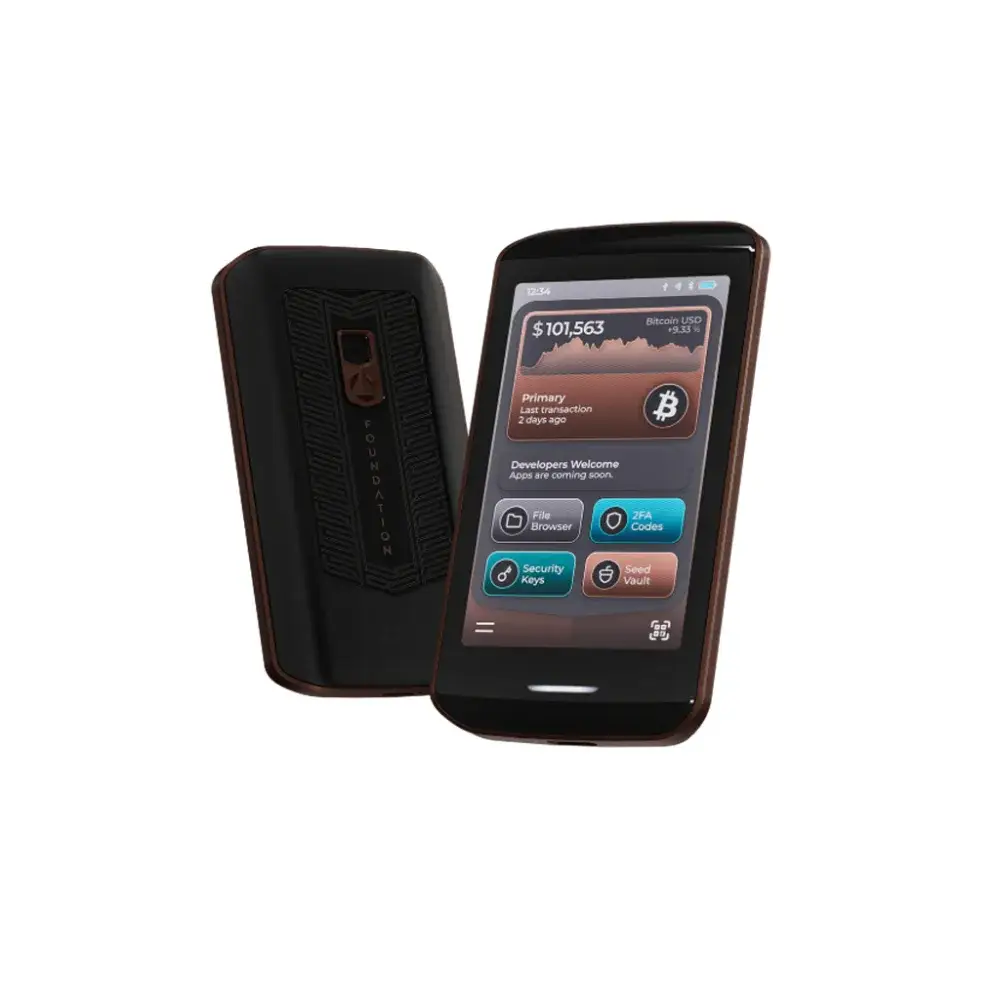
The Passport Prime is a bitcoin wallet with multisig support, as well as FIDO security keys for logging into services, TOTP codes for two-factor authentication, and a 50 GB encrypted vault. Signing is done via QR codes using the built-in camera and a 3.5-inch touchscreen; those who prefer a wireless connection can use QuantumLink, a Bluetooth connection with post-quantum encryption. The device runs on KeyOS, features tamper detection, wipes itself after ten incorrect PIN codes, and is assembled in the United States. Hardware and software are open source.
This is the most expensive device in our lineup, and that price reflects the extra features. If you're looking purely for a bitcoin wallet, the Jade Plus or the Safe 7 will be a more affordable option.
Suitable for: anyone who also wants their password manager and two-step verification on the device, who wants to store encrypted will files and recovery instructions alongside their keys.
How do the three hardware wallets relate to one another?
| Property | Blockstream Jade Plus | Trezor Safe 7 | Foundation Passport Prime |
|---|---|---|---|
| Manufacturer | Blockstream | Trezor (Czechia) | Foundation Devices (VS) |
| Target audience | Beginner to advanced | Daily use, multiple chips | All-in-one, advanced |
| Air-gapped via QR | Yes, camera | No, USB-C or bluetooth | Yes, camera |
| Screen | 1.9-inch color | 2.5-inch touchscreen | 3.5-inch touchscreen |
| Secure element | No, blind oracle | Two, plus hardened processor | Yes, with tamper detection |
| Bluetooth | Yes | Yes, open source protocol | Yes, QuantumLink |
| Open source | Hardware and firmware | Firmware | Hardware and software |
| Bitcoin only | Yes | After converting the firmware | Yes |
| Multisig | Yes | Yes | Yes |
| Price (September 2026) | 219 euros | 249 euros | 359 euros |
If you want the criteria and trade-offs in detail, read the guide Compare bitcoin and hardware wallet or the choice per profile in best bitcoin hardware wallet 2026.
Buying Hardware wallet in the Netherlands: Which backup plan should you choose?
A physical backup of your recovery phrase, because without those 12 or 24 words, you’ll lose your bitcoin if the device breaks, is stolen, or is lost. On paper, that phrase won’t survive a fire or water damage. The Seedfan Steel Kit (69.95 euro) is the cheapest and simplest in our range: you engrave the first four letters of each word into a 316 stainless steel plate, without a printer or electronics. How to go about that is in storing a seed phrase in a steel backup.
Buying Hardware wallet in the Netherlands: How does ordering from BitcoinStuffStore work?
You place your order in the online store, pay with bitcoin (Lightning or on-chain), iDEAL, or credit card, and the package is shipped to you from the Netherlands. The devices come directly from the manufacturer or its distributor and are shipped unopened. For the Jade Plus, you can use Genuine Check to verify that you have genuine hardware; for the Trezor Safe 7, Trezor Suite verifies authenticity upon the first connection. If you have any questions before or after placing your order, please contact us via the Contact page.
Buying Hardware wallet in the Netherlands: How much does it cost?
Between 219 and 359 euros for the device, plus 69.95 euros for a steel backup. The Jade Plus costs 219 euros, the Trezor Safe 7 costs 249 euros, and the Passport Prime costs 359 euros (retail prices as of September 2026; the current price is listed on the product page). Compare that to what you’re storing on it: a hardware wallet is a one-time expense, whereas an exchange hack or a frozen account is not.
Buying Hardware wallet in the Netherlands: What Should You Do First After Your Purchase?
Three things, in this order. First, you check the authenticity of the device and update the firmware. Then you create a new wallet on the device and write down the recovery phrase, directly in steel or first on the included card and then in steel. Finally, you test the backup: restore the wallet from your recovery phrase before you put more than a small amount on it. Anyone who skips that test only finds out that a word is wrong when it's too late.
It is written out step by step in the guide Setting Up the Blockstream Jade Plus and in the basic explanation Storing bitcoin for Beginners. The pitfalls that most often go wrong are listed in Storing bitcoin Yourself: 8 Mistakes.
What is the difference compared to a software wallet?
A software wallet on your phone or laptop is fine for small purchases, but the key is stored on a device connected to the internet. A hardware wallet keeps the key offline and lets you verify every transaction on a separate screen. Most people use both: a software wallet with a small amount for everyday use, and a hardware wallet for their savings.
When do you need multisig?
When the amount is large enough that a single mistake, theft, or fire hurts too much. Multisig requires multiple keys to sign a transaction, for example two out of three devices in different locations. All three wallets in this guide support multisig and work with software like Sparrow. Start with a single device, learn the workflow, and expand when your amount calls for it.
Buying Hardware wallet in the Netherlands: What Are the Most Common Mistakes?
Using a device that was purchased secondhand or through an online marketplace. Storing the recovery phrase as a photo or in the cloud. Never testing the backup. Checking the recovery email address only on the computer and not on the device. And setting a passphrase without storing it separately and securely. Each of these mistakes has cost people their bitcoin; none of the five takes more than 15 minutes to prevent.
Frequently Asked Questions About Buying a hardware wallet in the Netherlands
From the shop
Ready to get started?
Everything covered in this guide is in the shop.