
02 · from the workshop
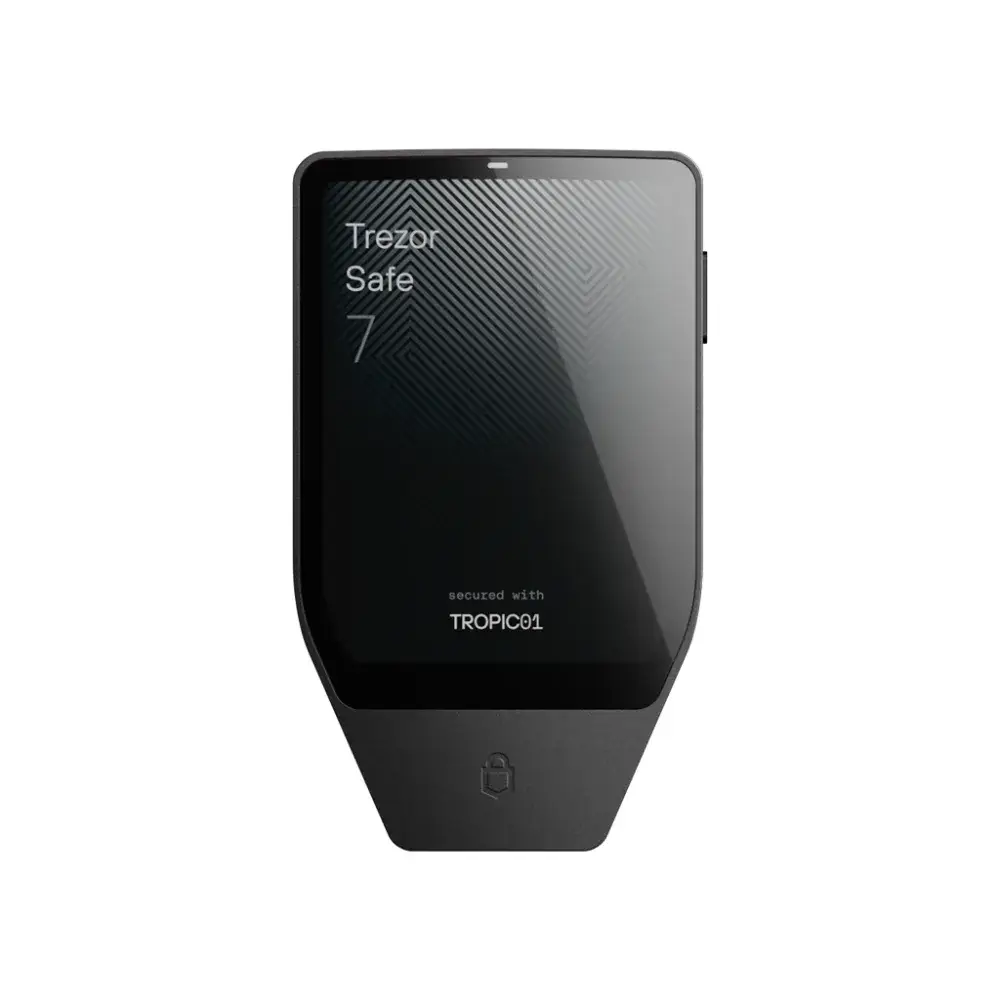
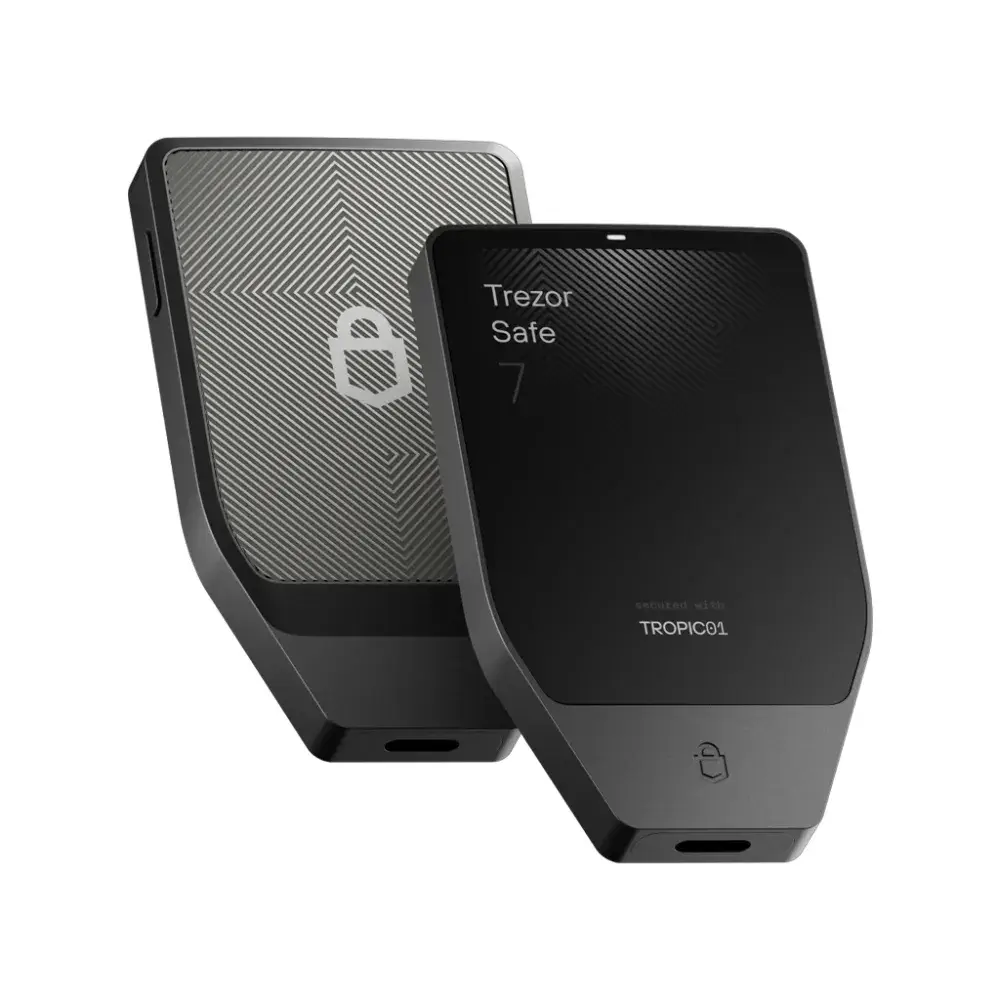
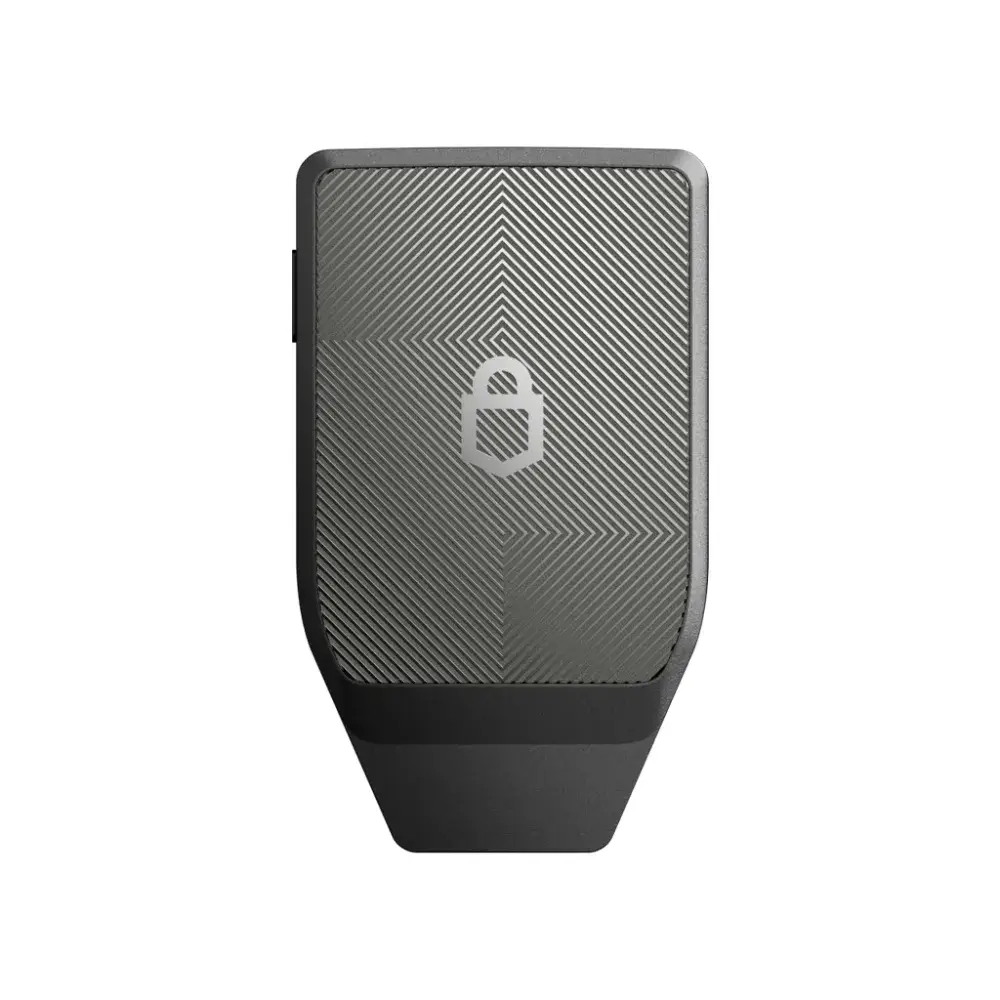
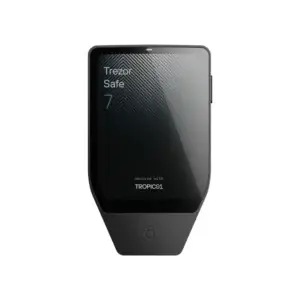
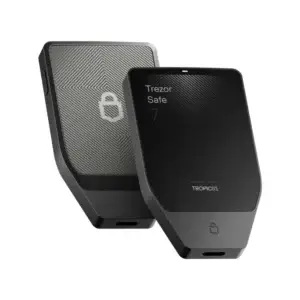
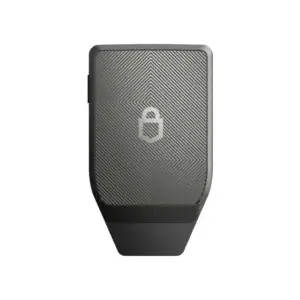
What’s the most secure Trezor to date? The Trezor Safe 7 Charcoal Black. It features three security chips from three different vendors, an aluminum unibody, and a touchscreen that clearly displays your transactions. Plus, you can set it to bitcoin-only firmware in just a few clicks.
Three chips, three suppliers
The Safe 7 stores your keys behind two separate secure elements plus a hardened security processor. They do not come from the same manufacturer. That is the core of the design: a flaw or backdoor at one supplier does not leave your device exposed.
The TROPIC01 is the most striking component in that regard. Where a secure element is normally a closed chip whose interior you have to take on faith, this one is auditable. For anyone who takes self-custody seriously, that is precisely the difference between trusting and verifying.
Bitcoin-only firmware in just a few clicks
The Safe 7 comes with universal firmware that supports hundreds of cryptocurrencies. We are a bitcoin-only store, so we’ll say this right away: in Trezor Suite, you can switch it to the bitcoin-only firmware. Less code on your device, less clutter on your screen, just bitcoin.
You will find the button in Trezor Suite under Settings, under Device, in the Firmware block. You can also make that choice immediately during the initial setup. New to self-custody? Start with the An Explanation of bitcoin Storage for Beginners and prevent the most common mistakes.
Daily use without cable
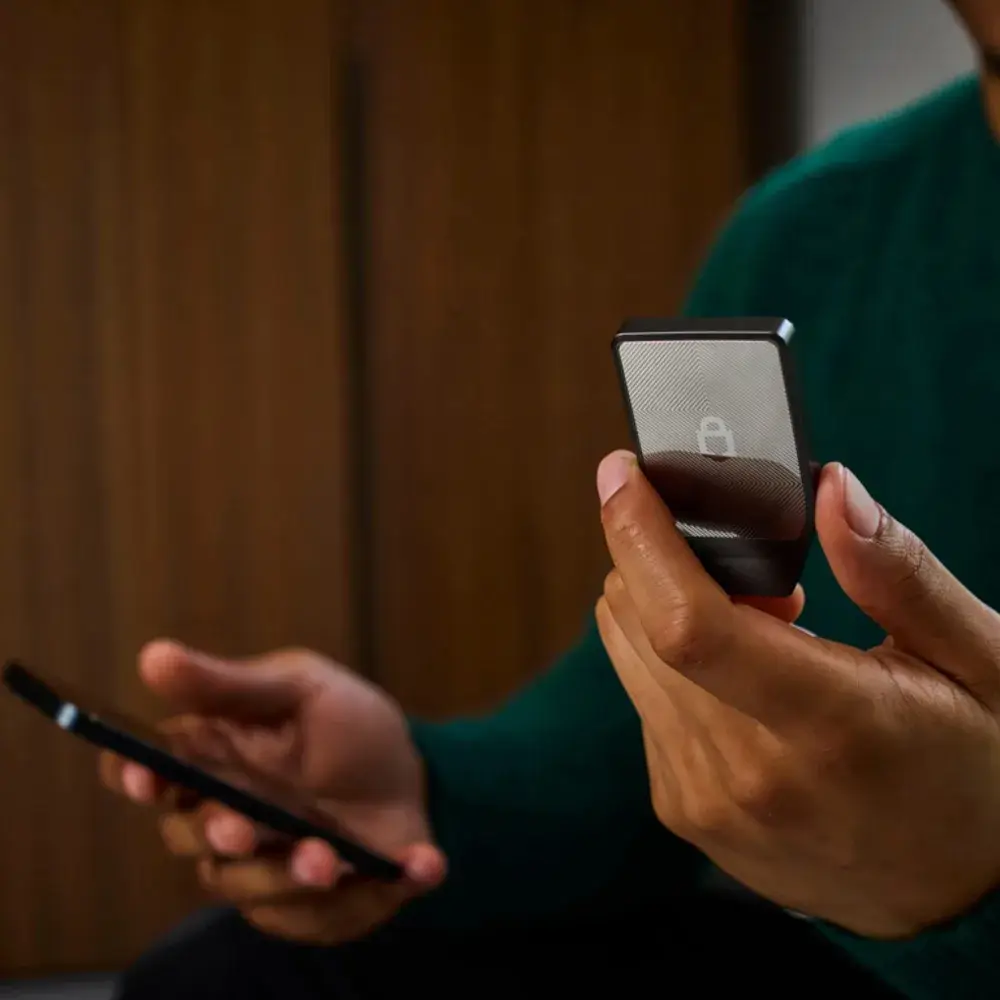
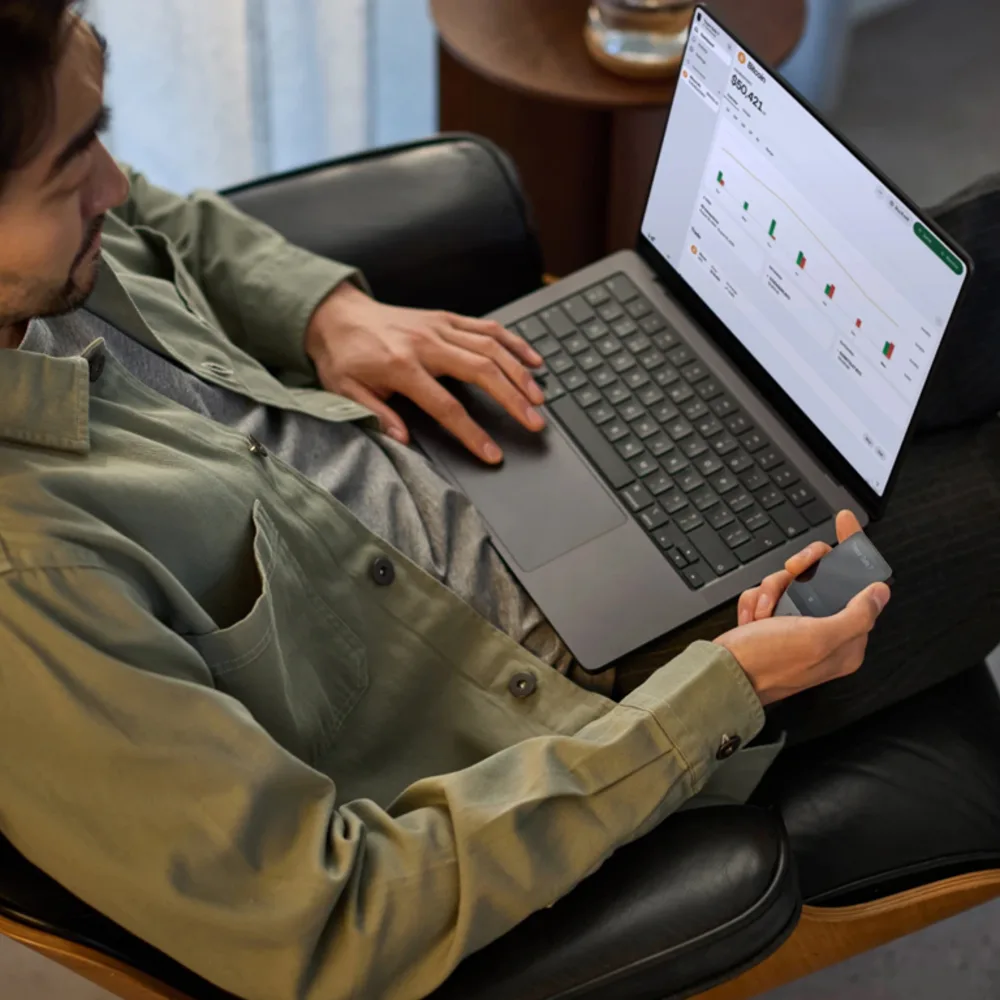
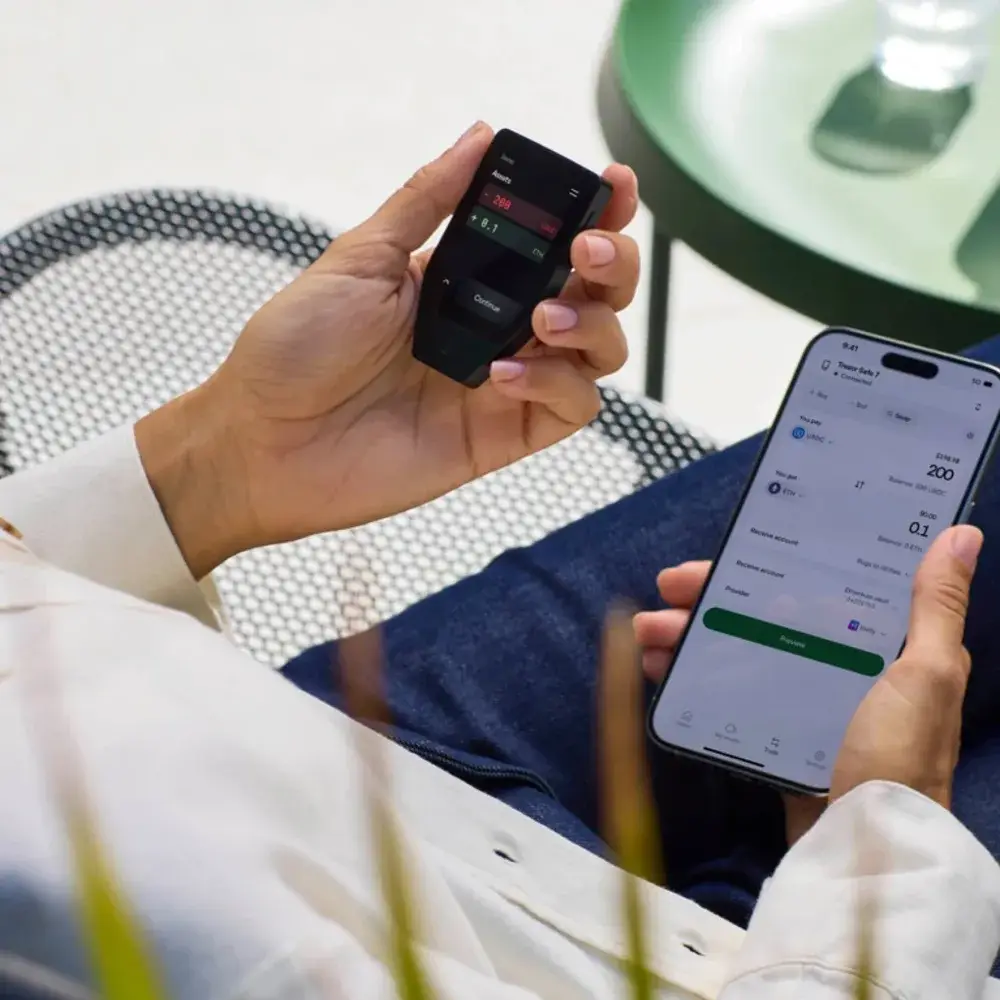
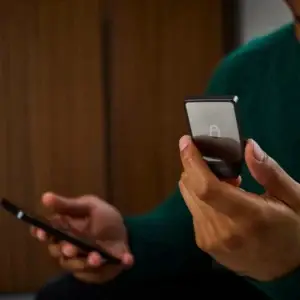
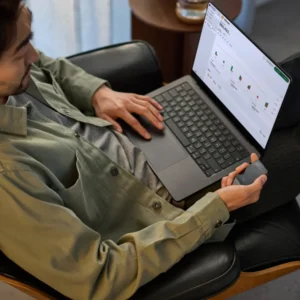
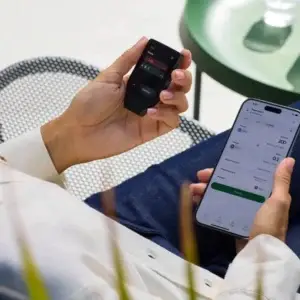
The screen is large enough to read an address all at once, and that is no luxury. You verify your transaction on the device itself, rather than on the computer which may be compromised. Bluetooth and Qi2 wireless charging make the Safe 7 a device you take with you, instead of a little box that sits in a drawer.
Would you like to know how this one compares to the other wallets in our collection? View the Comparison of bitcoin Hardware Wallets or go directly to the complete range of hardware wallets.

Reviews
There are no reviews yet.